Let's cut to the chase. If you own more Bitcoin than you'd be comfortable losing in a hack, a hardware wallet isn't just a good idea—it's non-negotiable. I've seen too many stories end with "and then my exchange got hacked" or "I clicked a bad link." A Bitcoin hardware wallet, a form of cold storage, is your best defense. It's a dedicated device that keeps your private keys offline, away from the constant threats of the internet. Think of it as a personal, ultra-secure vault for your digital gold.
What's Inside This Guide?
What is a Bitcoin Hardware Wallet?
It's a small physical device, like a USB stick or a small calculator. Its sole job is to generate and store your private keys—the cryptographic passwords that prove you own your Bitcoin—in an environment that never touches an online computer. When you need to make a transaction, the wallet signs it internally and only sends the signed, safe transaction data to your online computer. Your keys never leave the device.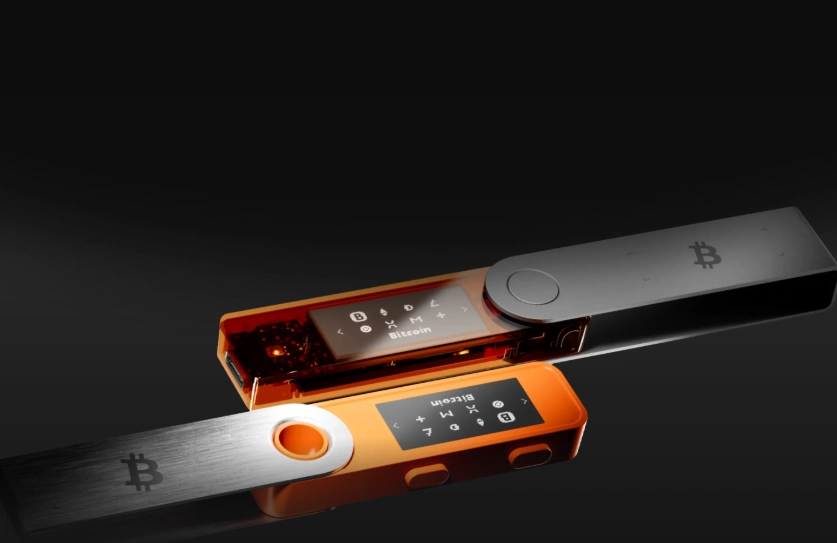
This is the core of crypto security. It solves the fundamental problem of hot wallets (software on your phone or computer) which are constantly exposed to malware and phishing attacks.
Quick Analogy: A hot wallet is like carrying your life savings in your pocket. A hardware wallet is like storing it in a bank vault, where you need physical access and multiple keys to get to it.
How Does a Cold Storage Wallet Actually Work?
The magic happens in isolation. Here’s the typical flow:
1. Offline Key Generation: You set up the device. It uses its own internal, true random number generator to create your private keys and the corresponding 12 or 24-word recovery seed phrase. This all happens on the device's secure chip.
2. Connection via Bridge: You plug it into your computer or connect via Bluetooth. You use companion software (like Trezor Suite or Ledger Live) on your computer to see your balance and create transaction details.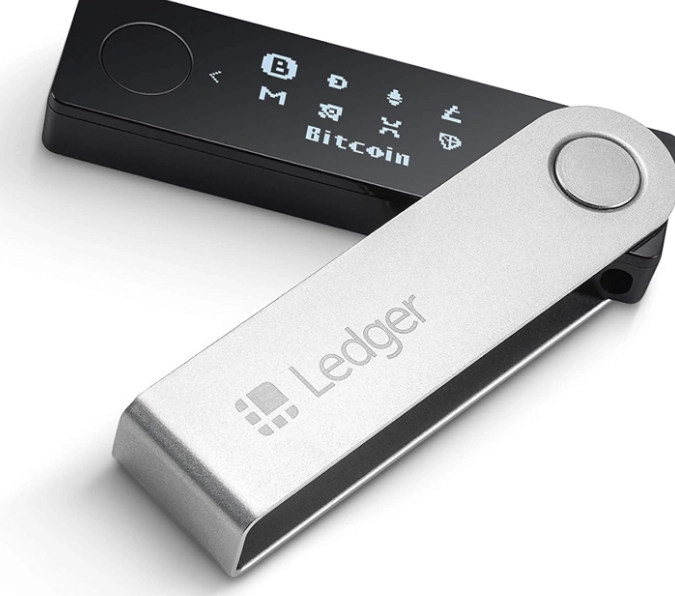
3. Secure Signing: You want to send Bitcoin. The software prepares the transaction and sends it to the hardware wallet. The device displays the recipient address and amount on its own small screen. You physically confirm by pressing a button on the device. The device signs the transaction with its private key and sends the signed data back to the computer.
4. Broadcast: Your computer broadcasts this signed transaction to the Bitcoin network. At no point was the private key exposed to your potentially compromised computer.
How to Choose the Best Bitcoin Hardware Wallet
Don't just buy the first one you see. The "best" depends on your needs. I've used most of them over the years, and here’s the real breakdown.
| Wallet Model | Price (Approx.) | Key Strength | Considerations |
|---|---|---|---|
| Trezor Model T | $219 | Fully open-source software & firmware. Touchscreen interface. Strong community trust. | More expensive. Some find the touchscreen less tactile than buttons. |
| Ledger Nano X | $149 | Bluetooth for mobile use. Supports a vast number of coins. Robust build. | Not fully open-source. The company had a data breach in 2020 exposing customer emails (not keys, but still concerning). |
| Coldcard Mk4 | $157.99 | Bitcoin-only. Air-gapped via SD card or NFC. Advanced features for power users (PSBTs). | Steeper learning curve. Not for beginners. Requires more technical setup. |
| BitBox02 Bitcoin-only | $149 | Swiss-made, simple design. Fully open-source. Great touch sensors. | Less brand recognition than Trezor/Ledger. Smaller coin support (by design). |
My take? For a beginner who values transparency, Trezor is a fantastic start. If you need Bluetooth for iPhone use and hold many altcoins, the Ledger Nano X is practical, but be aware of their past security incident. For a Bitcoin maximalist wanting the ultimate security, Coldcard is the gold standard.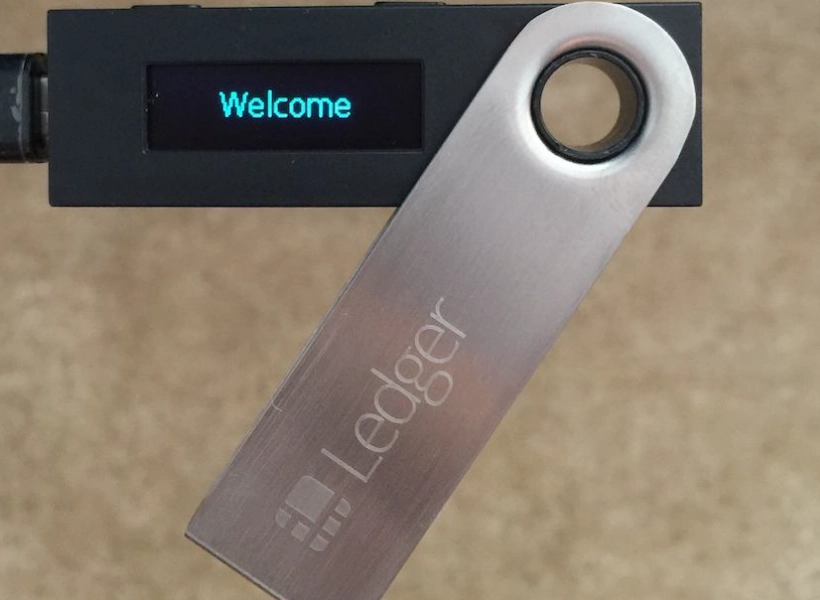
Avoid no-name brands on Amazon. Stick to buying directly from the manufacturer's official website to prevent supply chain tampering.
A Non-Consensus Point: Everyone obsesses over the device. The bigger vulnerability is almost always how you handle the recovery seed phrase. A $200 wallet with a seed phrase written on a sticky note is less secure than a $50 wallet with a seed phrase stored in a proper steel backup.
The Critical Role of Your Seed Phrase
This is the most important piece of paper you will ever own in crypto. The hardware wallet itself is just a convenient, secure way to access the keys derived from this seed phrase.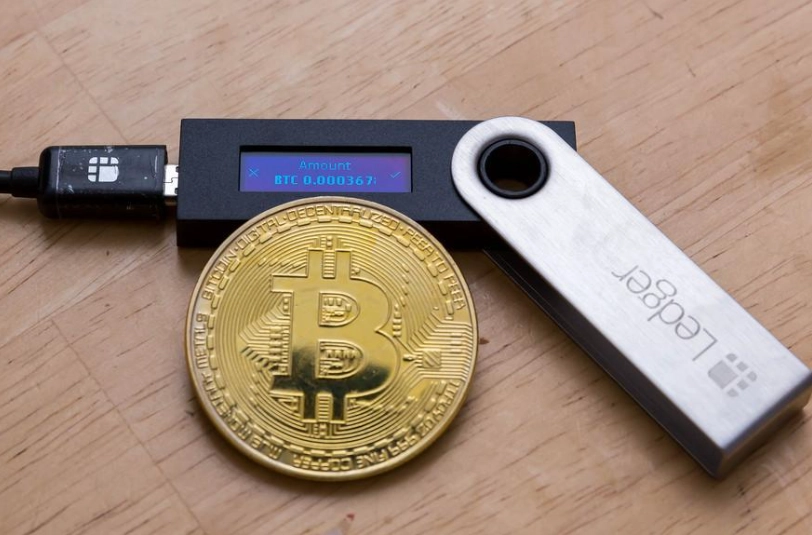
What is the Seed Phrase?
It's a list of 12 or 24 common English words generated by your wallet. This sequence is a human-readable representation of your master private key. Anyone with these words can recreate your entire wallet and steal all your funds, on any device, anywhere in the world.
How to Store It Correctly (The Expert Method)
Forget the safe deposit box debate for a moment. Here's what I do and recommend:
Step 1: The Physical Backup. Never, ever digitize it. No photos, no cloud notes, no text files. Write it clearly on the card provided. Then, immediately transfer it to a fireproof/waterproof medium. I use a Cryptosteel Capsule or similar stainless steel backup tool. It's $50-$100, but it survives house fires. Paper doesn't.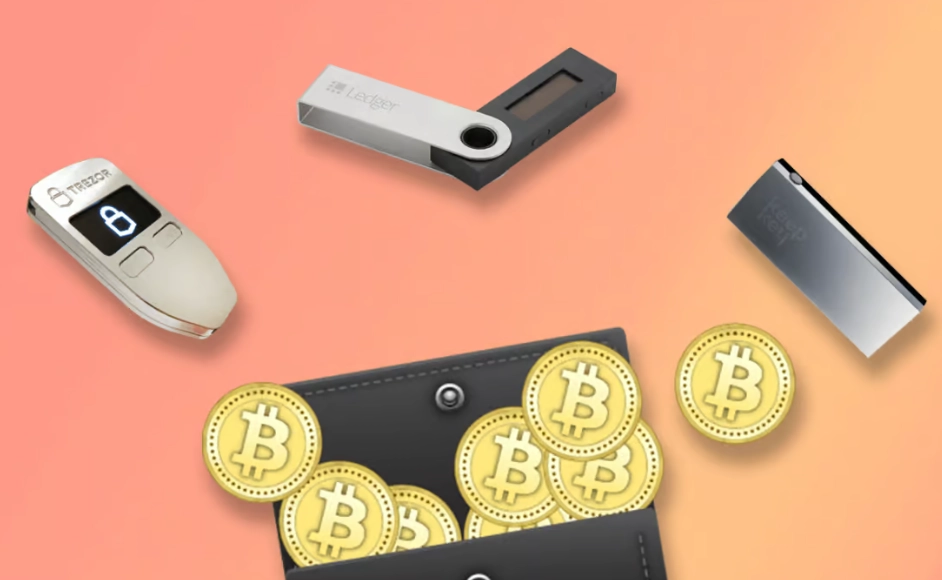
Step 2: The Location Strategy. Don't put all copies in one place. Have one steel backup in a secure location at home (a safe bolted to the floor/wall is good). Have another copy in a different physical location, like a trusted family member's house (only if you fully, 100% trust them). The goal is to protect against both local disaster and total loss.
Step 3: Test Your Backup. This is the step 90% of people skip, and it causes panic. Before sending significant funds to your new wallet, wipe the device (factory reset it). Then, go through the recovery process using your written seed phrase. If you successfully recover your empty wallet, you know your backup works. Now you can fund it with confidence.
Common Setup Mistakes and How to Dodge Them
I've helped dozens of people set these up. Here are the subtle errors that rarely make it into the official manuals.
Mistake 1: Rushing the seed phrase setup. You're excited. The device tells you to write down 24 words. You scribble them, thinking you'll copy them neatly later. You might transpose two words. You might smudge ink. Fix: Write each word slowly, clearly, and double-check the order immediately after generation. Read the list back to the device if it has a verification feature.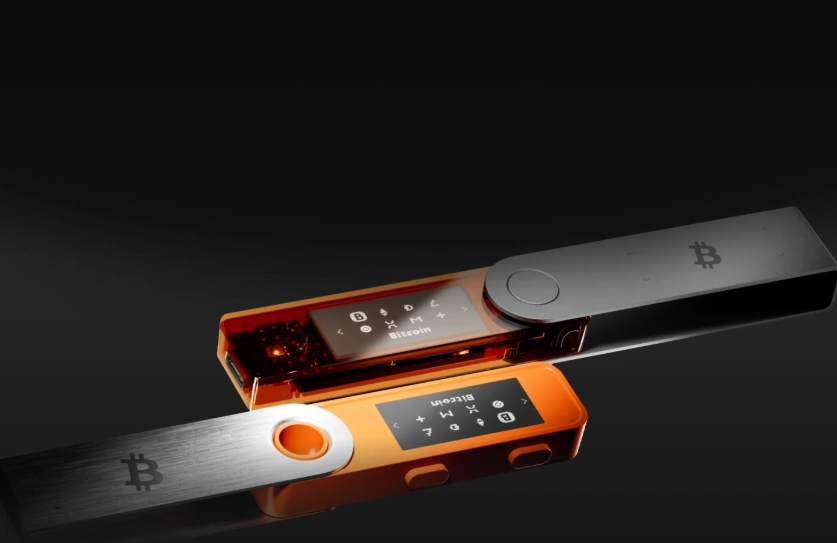
Mistake 2: Using a pre-generated seed phrase from anywhere. Never use a seed phrase you found online, or one a "support person" gives you. The only valid seed is one your device generates itself, offline. Period.
Mistake 3: Ignoring the passphrase feature (the "25th word"). Most wallets offer an optional passphrase. This isn't a word from the BIP39 list; it's something you create. It creates a completely hidden wallet. Even if someone gets your 24-word seed, they can't access the passphrase-protected funds. It's like a second password on your vault. Use it for your main storage, but understand it adds complexity—if you forget it, funds are gone forever.
Mistake 4: Not verifying receiving addresses on the device screen. Malware can alter the address displayed on your computer screen. Always verify that the address shown on your hardware wallet's small screen matches the address on your computer monitor before receiving large amounts.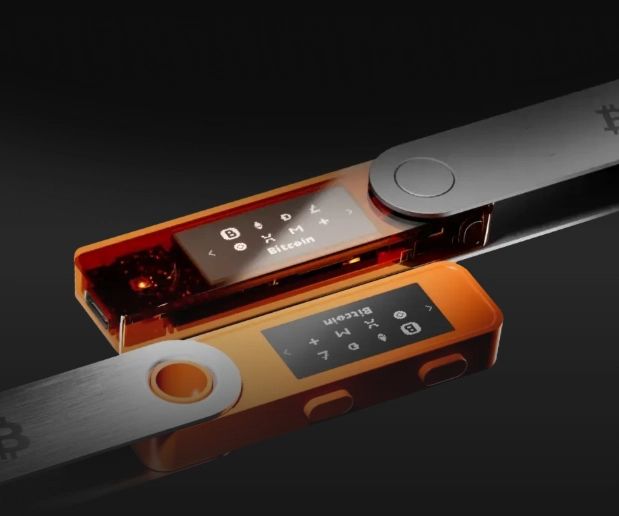
Reader Comments